
Copilot is your in-editor assistant that helps you build and edit workflows with Pailot Copilot, as well as understand and improve them. It can:
- Explain: Answer questions about Pailot and your current workflow
- Guide: Suggest edits and best practices
- Edit: Make changes to blocks, connections, and settings when you approve
Copilot is included in the contour delivery. The vendor sets the backend and any required keys at install time. There is no public self-serve Copilot key on pailot.ru.
Context Menu (@)
Use the @ symbol to reference various resources and give Copilot more context about your workspace:
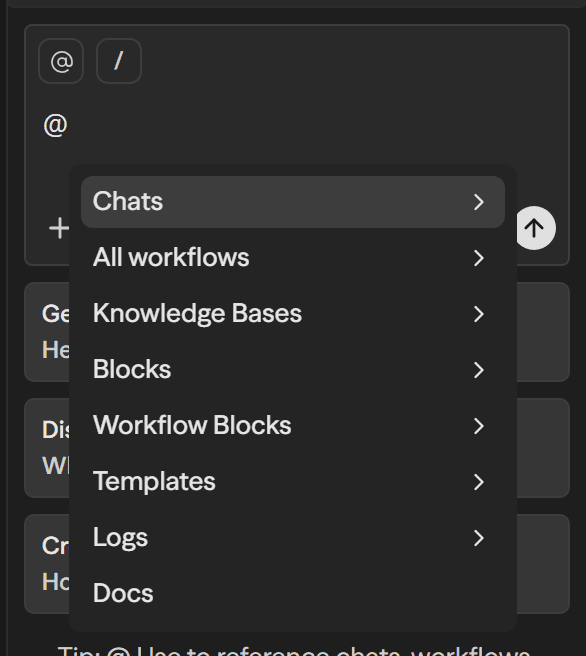
The @ menu provides access to:
- Chats: Reference previous copilot conversations
- All workflows: Reference any workflow in your workspace
- Workflow Blocks: Reference specific blocks from workflows
- Blocks: Reference block types and templates
- Knowledge: Reference your uploaded documents and knowledgebase
- Docs: Reference Pailot documentation
- Templates: Reference workflow templates
- Logs: Reference execution logs and results
This contextual information helps Copilot provide more accurate and relevant assistance for your specific use case.
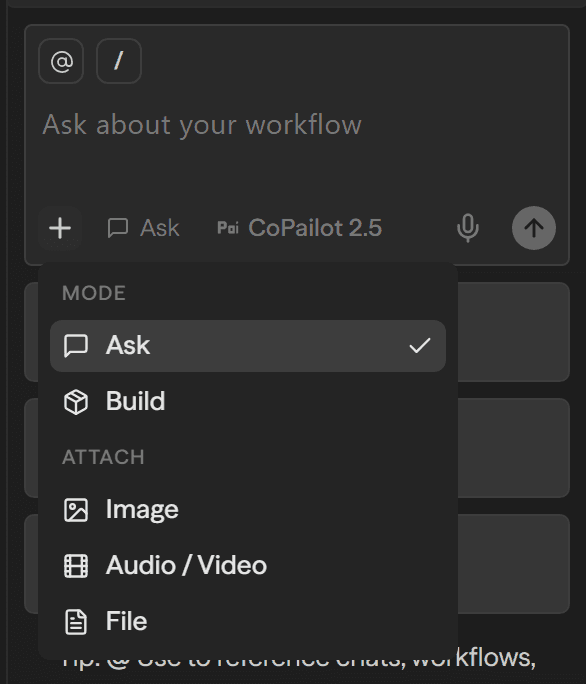
Modes
Ask
Q&A mode for explanations, guidance, and suggestions without making changes to your workflow.
Agent
Build-and-edit mode. Copilot proposes specific edits (add blocks, wire variables, tweak settings) and applies them when you approve.
Depth Levels
Fast
Auto
Advanced
Behemoth
Mode Selection Interface
You can easily switch between different reasoning modes using the mode selector in the Copilot interface:
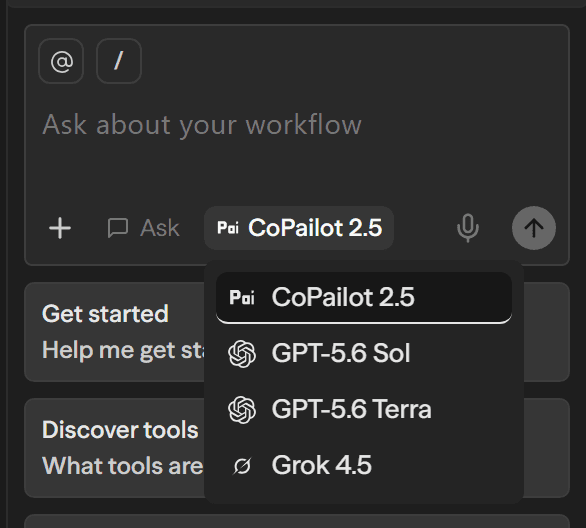
The interface allows you to:
- Select reasoning level: Choose from Fast, Auto, Advanced, or Behemoth
- Enable MAX mode: Toggle for maximum reasoning capabilities when you need the most thorough analysis
- See mode descriptions: Understand what each mode is optimized for
Choose your mode based on the complexity of your task - use Fast for simple questions and Behemoth for complex architectural changes.
Usage
Copilot token usage can appear in logs the same way other model calls do. Commercial price for Copilot is part of the platform license — on request, not a public per-token tariff.
See Cost Calculation for how a workflow run measures token usage.